Jotform for Caterers: Collect Better Information Before the First Conversation
The right intake form answers the questions you'd otherwise chase over a week of emails. Here's how caterers use Jotform for inquiries, captain's reports, checklists, and feedback, and where that information hands off to your planning.
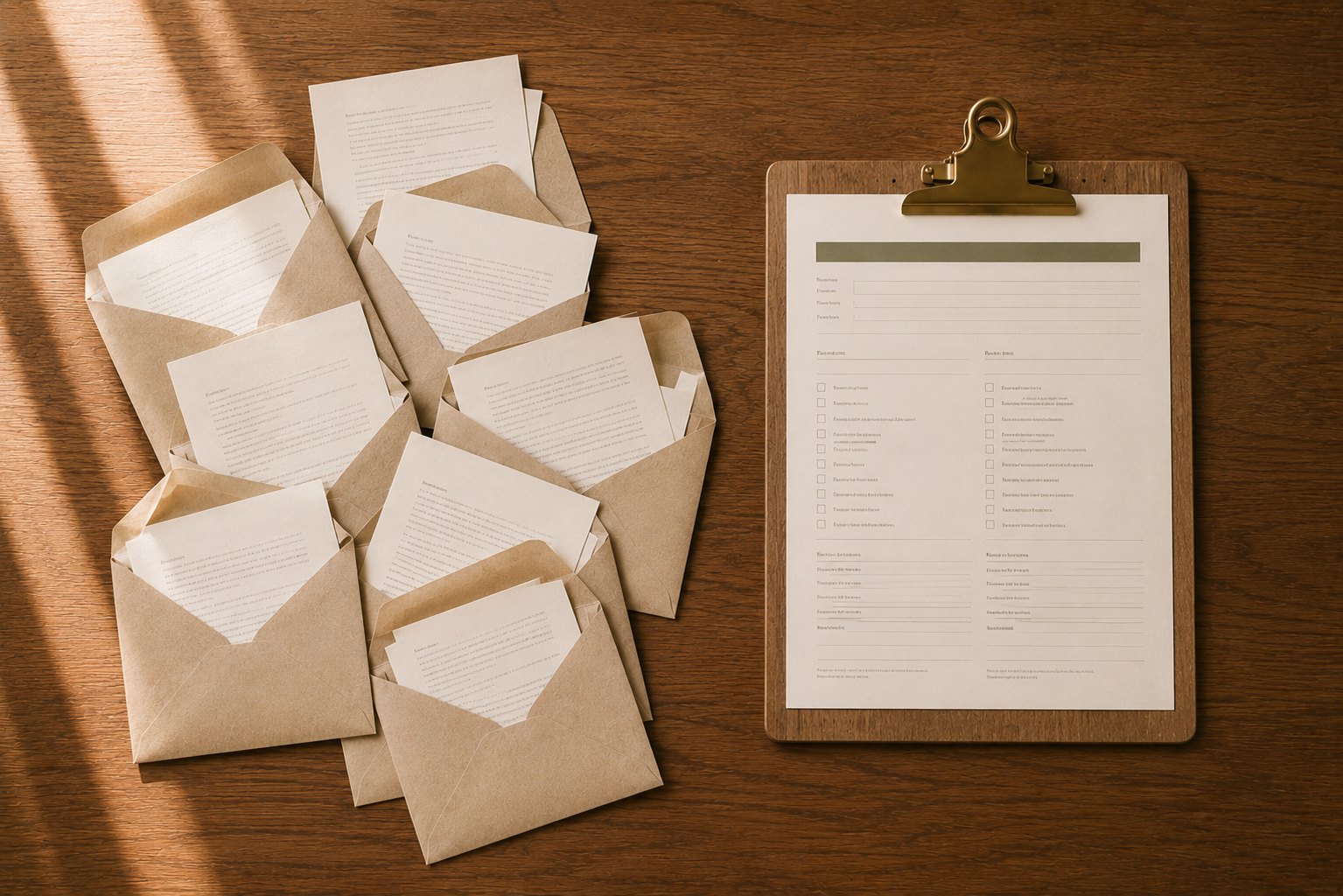
Every caterer knows this email. It arrives on a Tuesday afternoon and it reads, in full: 'Hi! I'd like catering.' That's it. No date. No guest count. No venue. No budget. No timeline. Just a friendly hello and a blank space where all the useful information should be.
So you write back with your first round of questions. A day later they answer two of the five. You ask the rest again. They reply with the date but forget the headcount. By the time you actually know enough to build a proposal, four days have passed, you've traded eight emails, and the client, who also emailed two of your competitors that same afternoon, may have already booked one of them. You didn't lose that job on food or price. You lost it on friction.
Here is the quiet truth about winning catering work: speed and clarity beat almost everything else in the early stages. The caterer who responds first, with a real proposal, built on complete information, feels the most professional and the most in control. That reputation starts before you've cooked a thing. It starts with how you collect information. A well-built intake form turns that messy, days-long back-and-forth into a single, structured submission that lands in your inbox with everything you need to move. That is the entire point of this article, and it's why we recommend Jotform.
What is Jotform, in catering terms
Strip away the software language and Jotform is simply a tool for building online forms, the kind of forms your clients, your staff, and your own team fill out, without you needing to know a line of code. If you can drag a field into place and type a question, you can build a form. It handles the parts that used to require a web developer: the layout, the mobile version, the email that notifies you when someone submits, and the tidy record of every response.
For a caterer, that means you can replace a scattered pile of information-gathering, phone notes, email threads, a PDF someone has to print and scan back, with a single link you send or embed on your website. A client clicks it, answers your questions in a form that looks like it belongs to your brand, and hits submit. You get a clean, complete record. The same idea works internally: a captain filling out an end-of-event report on their phone, a driver running a vehicle check before load-in, a new hire submitting their availability and certifications. Anywhere you currently collect information by asking and remembering, a form does it better and keeps the record.
Your inquiry form is part of your brand
Here's a mistake that's easy to make and expensive to keep making: sending a prospective client from your beautiful, carefully-designed website to a plain, gray form that looks like it came from a different, lesser company. The moment the experience goes generic, a little trust leaks out. The client notices, even if they can't say why. Your inquiry form is often the very first real interaction someone has with your business, the first time they do something rather than just read. It should feel like a natural continuation of your website, not a detour to a template.
One of Jotform's real strengths is how far you can bend it to match your brand. You're not stuck with a stock look. You can carry your identity all the way through the form so the client never feels handed off:
- Your logo at the top, so the form reads as unmistakably yours
- Your brand colors on fields, buttons, and accents
- Fonts that match, or come close to, your website's type
- A photograph or subtle background that fits your visual world
- A warm, human welcome message instead of a cold 'Fill out this form'
- Button text in your voice, 'Let's start planning' beats a generic 'Submit'
- A custom thank-you page that confirms next steps and keeps the momentum
None of this is decoration for its own sake. A branded, confident intake experience tells the client, before you've said a word, that you run an organized, detail-minded operation, which is exactly what they're hoping to hire. Consistency is the message.
Where Jotform fits in a catering workflow
It helps to see the whole path an event travels, from a stranger on your website to a finished event you can learn from. A healthy catering workflow looks something like this:
- Website, where someone discovers you
- Inquiry form, where they tell you about their event
- CRM or inbox, where the lead is tracked and followed up
- Proposal, where you present the plan and price
- Planning, where the details get built out
- Production, where the kitchen and warehouse prepare
- Execution, where the event actually happens
- Post-event review, where you capture what worked and what didn't
Jotform lives at the information-gathering points along that path, the moments where you need someone to tell you something. It collects. It's very good at collecting. What it doesn't do is the thinking that comes after: the portioning math, the staffing ratios, the beverage counts, the packet that ties an event together. That's a different job, and it's the job Click to Table's tools are built for. The two aren't competitors; they're neighbors. Jotform gathers the raw information cleanly, and Click to Table turns that information into planning decisions.
“Forms collect the answers. Planning tools turn the answers into a plan. Keep those two jobs clear and both get easier.”
The questions every catering inquiry should ask
A good inquiry form isn't a long form, it's a complete one. It asks for exactly what you need to write a real proposal and nothing that can wait for the discovery call. Organize it into a few clear groups so it feels quick to the client and lands organized for you.
Event basics
The non-negotiables that determine whether you can even take the job. Event type, date (and flexibility around it), approximate guest count, and the service style they picture, drop-off, buffet, stations, plated. These four answers alone tell you more than most opening phone calls, and they let you check your calendar and capacity before you've invested a minute.
Food
What kind of experience are they imagining? Ask about cuisine or menu direction, and, crucially, dietary needs and restrictions. Capturing allergies and dietary requirements early isn't just good service, it shapes the menu, the sourcing, and sometimes the price. Far better to know on day one than to discover a dozen guests are gluten-free the week of the event.
Logistics
Where and how. Venue or location (even 'not booked yet' is useful), whether it's indoor or outdoor, and any known access notes. Logistics are where margin quietly disappears, a third-floor walk-up, a distant parking situation, or a venue with no kitchen changes your labor and your plan. The earlier you know, the more accurate your proposal.
Budget
The question caterers are most afraid to ask, and the one that saves everyone the most time. You don't have to demand an exact figure; a range, or a per-person target, is enough to know whether you're aligned before either of you invests hours. A gentle, well-worded budget question filters out the mismatches early and lets you pour your energy into the clients you can genuinely serve.
Contact information
How to reach them and how they prefer to be reached, name, email, phone, and best method and time. It sounds obvious, but a form guarantees you actually get it, every time, instead of realizing three emails in that you never got a phone number.
Five forms every caterer should build
One inquiry form is a fine start, but different jobs deserve different questions. A wedding and a boxed-lunch delivery have almost nothing in common at intake. Build a small library of purpose-built forms and each one collects exactly what that job needs.
1. General inquiry
Your catch-all, the form behind the 'Get a Quote' button on your site. Short, welcoming, and broad enough for any event type. It exists to capture the lead and the basics fast, then route them to the right next step.
2. Wedding inquiry
Weddings carry their own vocabulary and their own details, ceremony and reception timing, guest count tiers, the planner's contact, bar service, the vision. A dedicated wedding form signals that you specialize, and it collects the emotional and logistical detail a couple wants to share when they're excited.
3. Corporate catering request
Corporate clients think in different terms, purchase orders, invoicing, recurring orders, headcounts that firm up late, and a contact who may be an assistant rather than the decision-maker. A form built for them asks about billing, delivery windows, and repeat scheduling, and makes reordering painless for the accounts you want to keep.
4. Drop-off catering request
Drop-off is a volume game that lives or dies on logistics. This form is tight and time-focused: delivery date and window, address and access, setup or no setup, disposables, and a hard ordering cutoff. Get the timing details right at intake and the whole operation runs smoother.
5. Venue walkthrough questionnaire
Before you ever set foot on site, a walkthrough form, sent to the client or the venue, can surface the things that change your plan: kitchen access, power, loading dock, parking, and whether they have a floor plan to share. It turns a walkthrough from a scavenger hunt into a confirmation. (This pairs directly with our Venue Walkthrough Planner, more on that below.)
Jotform isn't just for sales
This is the part most caterers never reach, and it's where the real leverage lives. Once you're comfortable building forms, you'll start seeing them everywhere in your operation, not just at the front door with prospective clients, but throughout the back of the house where information usually lives in someone's memory or a text thread. Every one of these turns fleeting knowledge into a searchable record.
Captain's reports
The single highest-value internal form a caterer can build. At the end of every event, the captain fills out one standardized report on their phone before they leave the parking lot, while it's all still fresh. A good one captures:
- How the timeline actually ran versus the plan
- What went well, the wins worth repeating
- What went wrong, and why
- Client compliments and any complaints, in their words
- Equipment that failed, ran short, or needs repair
- Leftover quantities by item
- Staff notes, who shined, who struggled, who to request again
- Photos of the setup, the buffet, the room
- Recommendations for the next time you do a similar event
Do this consistently and you build something most caterers never have: a searchable history of your own operation. Next time you book a 200-guest gala at that difficult downtown venue, you can pull up the last one and see exactly what happened, what you ran out of, which captain nailed it, what you'd change. That institutional memory is a genuine competitive advantage, and it costs you one form and two minutes per event.
Guest feedback
A short post-event survey, sent to the host a day or two after, does double duty. It tells you the truth about how you did, and it hands you marketing gold. Ask about food quality, staff professionalism, communication, and overall satisfaction. When the answers are glowing, you have a testimonial, ask permission to use it, and a warm moment to request an online review while the good feeling is fresh. When they're not, you've caught a problem privately, before it becomes a public one-star.
Internal checklists
Any recurring, must-not-skip process is a candidate for a form-based checklist that creates a timestamped record of who did it and when. A few that pay for themselves quickly:
- Vehicle inspections before load-in
- Truck loading checklists so nothing gets left behind
- Commissary and kitchen closing procedures
- Rental return counts, so you're not billed for missing pieces
- On-site setup verification before doors open
- Equipment inspection and maintenance logs
The difference between a laminated checklist on the wall and a form-based one is accountability. The form knows who completed it and when, and it keeps the record. That's the difference between 'I thought someone checked the van' and knowing.
Staff availability and onboarding
Scheduling gets easier when the information comes to you in a structured way. A recurring availability form collects who's free for which dates. An onboarding form gathers certifications (food handler, alcohol service), preferred positions, sizes for uniforms, and emergency contacts, all in one place, all searchable, instead of scattered across texts and a binder in the office.
How Jotform works alongside Click to Table
Here's where the two tools actually pay off together. Jotform is excellent at collecting information. Click to Table is built to turn information into plans. When you line them up, the answers a client or captain types into a form become the starting point for the planning tools that do the math and the structure. You collect once, then plan from it. A few of the pairings we're most excited about:
Guest meal selections → Guest Meal Planner
Send guests a simple meal-selection form, entree choices, dietary needs, and their responses become the raw list you drop straight into the Guest Meal Planner. Instead of transcribing a spreadsheet of RSVPs by hand, you paste the collected answers and get counts, dietary summaries, and a kitchen-ready breakdown.
Event details → Event Packet
Collect the venue, key contacts, vendor list, timing, and planning notes through a form up front, and you've got the backbone of an Event Packet before the first planning meeting. The information arrives structured, ready to build the single source of truth that carries an event from sold to executed.
Vision and budget → Proposal Studio
Gather the client's event vision, style, colors, budget, and expectations in the inquiry itself, and you walk into Proposal Studio already knowing what to build. The proposal reflects what they actually asked for because you captured it cleanly the first time, instead of reconstructing it from memory and a few emails.
Site details → Venue Walkthrough Planner
A walkthrough form that collects photos, loading-dock and kitchen notes, electrical, parking, and a floor plan feeds directly into the Venue Walkthrough Planner, so you arrive on site confirming details rather than discovering them.
Leftover counts → Leftover Analyzer
Make leftover quantities a field on your captain's report, and those standardized counts flow straight into the Leftover Analyzer to look at waste patterns and donation opportunities. Consistent input is what makes the analysis meaningful over time.
Guest profile → Beverage and Power planning
Collect guest demographics and beverage preferences up front and the Beverage Calculator has what it needs to size your purchasing. Collect venue electrical details and equipment needs on a walkthrough form and the Catering Power Planner can flag whether the site can actually run your line. In both cases the form does the asking; the tool does the math.
Discovery without the email chain → Client Discovery Questions
Instead of a long back-and-forth to understand what a client really wants, a branded discovery questionnaire gets you there in one pass, and our Client Discovery Questions tool gives you the questions worth asking. The pattern holds across everything: the form gathers the information, and Click to Table helps you turn it into a better decision.
Common mistakes to avoid
Forms are easy to build and easy to overbuild. A few traps catch almost everyone the first time around:
- Making the form too long. Every extra field is a chance for the client to abandon it. Ask for what you need now; save the rest for the conversation.
- Asking questions you'll never use. If an answer won't change what you do, cut the question. Collecting information you never look at just slows people down.
- Leaving the branding generic. A gray, stock form undercuts an otherwise polished brand. Take the ten minutes to make it yours.
- Forgetting mobile users. A large share of clients will open your form on a phone, at night, between other things. If it's awkward on mobile, you lose them. Always test on a phone.
- Never revisiting the form. Your business changes; your questions should too. Review your key forms a couple of times a year and prune what's gone stale.
The bigger idea
Technology earns its place in a catering business when it does two things at once: reduces the administrative grind on your side and improves the experience on the client's. A well-built form does exactly that. It saves you the days of email tag, and it makes you look organized and responsive at the very moment a client is deciding whether to trust you. That's a rare win-win, and it's available for the cost of an afternoon spent building a few good forms.
So think past the inquiry box. The same tool that captures a lead can run your captain's reports, your feedback surveys, your loading checklists, and your staff onboarding, turning the information that usually evaporates into a record you can search and learn from. Start with one branded inquiry form this week. Once you see how much smoother the front door gets, you'll start finding forms everywhere they belong.
If you're looking for an easy way to create professional, branded forms for your catering business, Jotform is an excellent place to start.
Try Jotform free →Affiliate link. See disclosure.
Once your forms are collecting clean information, the planning still has to happen. Click to Table's free tools cover the operational side a form won't, guest meal counts, staffing, beverages, packets, and proposals, so the details you captured up front turn into an event that runs. And this is one of several Catering Tech Stack reviews; more are on the way as we work through the tools caterers actually use.
Some links in this article are affiliate or referral links. If you sign up or start a trial through them, Click to Table may earn a commission or referral credit at no additional cost to you. It never changes our recommendations.
Try this next
Ready to build your first catering form?
Jotform's free plan is enough to launch a branded inquiry form today. Start there, then grow into captain's reports, checklists, and feedback surveys as you go.
Building better systems for your catering operation?
Click to Table helps hospitality teams turn manual processes into practical digital workflows and tools.
Explore Consulting →Frequently asked questions
Is Jotform good for caterers?
What forms should a catering company build first?
How is Jotform different from Click to Table?
Can I make a Jotform match my catering brand?
Keep going, related on Click to Table